
Learn · Design Tips
Wall Thickness for 3D Printing: Rules for FDM, SLA, SLS and MJF
Wall thickness is the most common reason a 3D printed part fails — or costs more than it should. Too thin and it breaks or won’t print; too thick and it warps, wastes material and takes longer. Here’s how to get it right for each process.
Why wall thickness matters
- Too thin: walls may not print at all, can warp or distort, and are fragile in use. In powder processes, very thin walls can also break while unfused powder is cleaned away.
- Too thick: large solid sections use more material and machine time, so they cost more. In resin and powder processes, thick solid blocks can also build up internal stress and curl or warp.
- Uneven: sudden jumps between thin and thick areas cool and shrink at different rates, which causes distortion and weak spots.
Supported vs unsupported walls
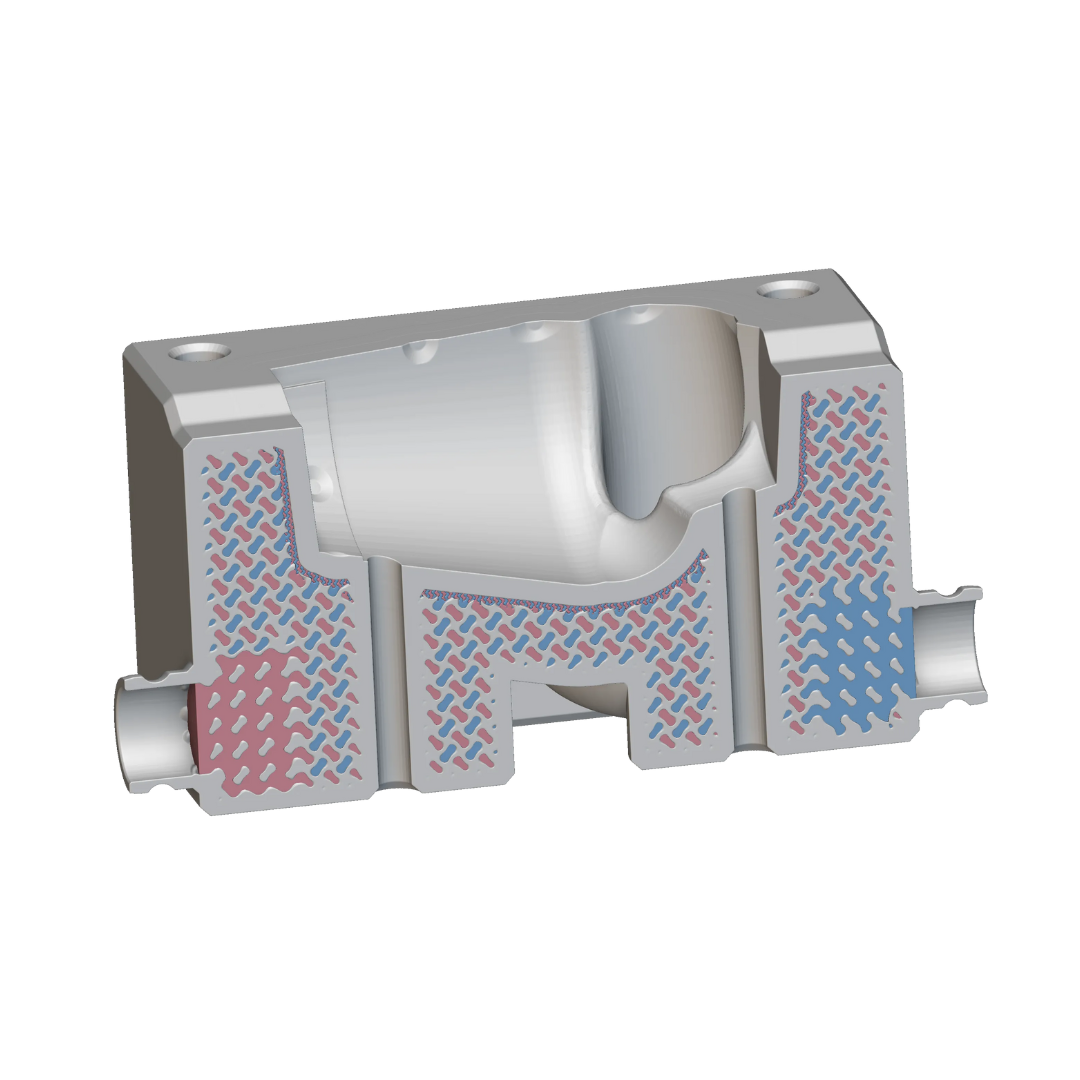
A supported wall is connected to other walls on two or more sides — like the side of a box. An unsupported wall is attached on only one side — like a free-standing fin or tab. Unsupported walls are more likely to bend, warp or snap, so they need to be thicker than supported ones.
Rule-of-thumb wall thickness by process
These are conservative starting points that print reliably — not hard limits. Many machines can go thinner for small features; the right value also depends on the material, part size and what the part has to do.
| Process | Thin-wall starting point | Comfortable for functional parts | Watch out for |
|---|---|---|---|
| FDM | About 1 mm | 1.5–3 mm | Walls are built from extruded lines, so thickness works best in multiples of the line width. Strength is lowest between layers. |
| SLA | About 0.5 mm supported, 1 mm unsupported | 1–3 mm | Very thin walls can warp during curing; large solid sections should be hollowed with drain holes. |
| SLS / MJF | About 1 mm | 1.5–3 mm | Thick solid blocks can warp and cost more; hollow them and add escape holes for powder. |
| Metal | About 1 mm | Depends on geometry | Thin walls must also survive heat treatment and support removal. |
Seven tips for better walls
- Keep walls as uniform as you can. Even thickness cools and shrinks evenly, which reduces warping.
- Blend thickness changes gradually. Use tapers and fillets instead of sudden steps from thin to thick.
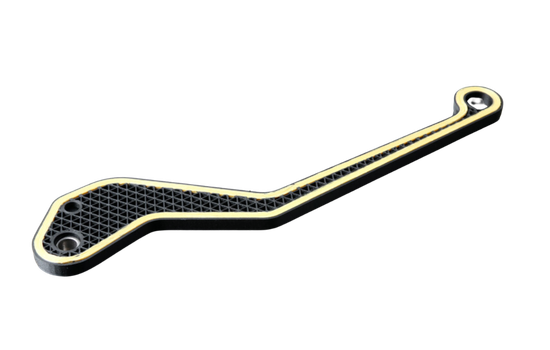
- Use ribs instead of thick walls. A thinner wall with ribs is often stiffer, lighter and cheaper than one thick slab.
- Hollow large solid parts. For SLA, SLS and MJF, add drain or escape holes so trapped resin or powder can be removed. For FDM, lower infill does a similar job.
- Thicken unsupported features. Free-standing fins, tabs and pins need more material than walls supported on several sides.
- Size small holes generously. Small holes can print slightly undersize; for precise fits, design them to be drilled or reamed afterwards.
- Make text and fine details bold enough. Embossed or engraved text needs enough width and depth to stay readable after printing and finishing.
Wall thickness and cost
Wall thickness has a direct effect on price: thicker, denser parts use more material and machine time. Thinning over-built walls, adding ribs and hollowing large sections are some of the easiest ways to cut cost without losing strength. See what affects the cost of 3D printing.
How Quick 3D can help
Send us your file and we’ll review wall thickness and other printability issues before printing. If your part needs reworking, our design for additive manufacturing (DfAM) team can optimise it for strength, weight and cost. Next, read our guides on preparing STL and STEP files and designing snap-fits.
Frequently asked questions
What is the minimum wall thickness for 3D printing?
It depends on the process, material and whether the wall is supported. As a conservative rule of thumb, about 1 mm works for FDM, SLS and MJF, and about 0.5 mm (supported) to 1 mm (unsupported) for SLA. Thicker walls are recommended for functional parts.
Can walls be too thick?
Yes. Very thick solid sections cost more, take longer to print and can warp, especially in SLA, SLS and MJF. Hollowing, ribs or lower infill usually give a better result.
What is the difference between a supported and an unsupported wall?
A supported wall is connected to other walls on two or more sides; an unsupported wall is attached on one side only, like a fin. Unsupported walls need to be thicker because they bend and break more easily.
How accurate is FDM 3D printing?
Quick 3D’s prototyping and industrial FDM services achieve a dimensional accuracy of ±0.3 mm at layer heights of 50–300 μm.
Not sure your walls are right?
Send us your 3D file. We’ll check wall thickness and printability, and suggest changes before anything is printed.
Get a QuoteWhatsApp Us